
Buffer.com
1. Sign Up for a Free Account on Buffer.com
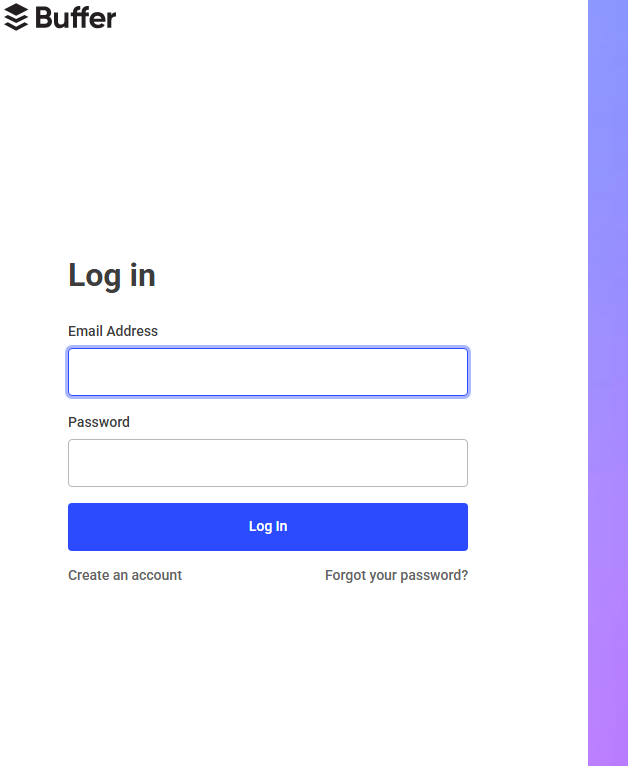
---
2. Click on the **“Create Account”** below the log in button
---
---
3. Sign Up
Option A: Using Email
1. Enter your **email address**.
2. Create a **secure password**.
3. Click **"Create Account"**.
Option B: Using Google or Apple
1. Click **“Continue with Google”** or **“Continue with Apple”**.
3. Confirm Your Email (If Signed Up with Email)
---
4: Connect a Social Media Channel
You'll be prompted to connect at least one social channel. Options include:
- Facebook Page or Group
- Instagram Business
- Twitter (X)
- TikTok
To connect:
1. Click on a platform.
2. Log in and **authorize Buffer** access.
5: Explore Your Dashboard
After setup, you'll access the **Buffer dashboard**, where you can:
- Schedule your first post
- Add more channels
- View basic analytics
- Set posting times
> ✨ The **Free Plan** includes:
> - **10 scheduled posts** per channel
---
## 🛠 Optional Enhancements
- Set up **posting schedules** for each channel
- Install the **Buffer browser extension**
- Download the **Buffer mobile app**
- Try **Start Page** (Buffer’s free link-in-bio tool)
---
## 🎉 You’re All Set!
You now have a free Buffer account! Start creating and scheduling social posts to manage your online presence more effectively.
---
## 🧰 Troubleshooting Tips
| Problem | Solution |
|--------------------------------|------------------------------------------------------|
| Didn’t receive confirmation? | Check spam or click “Resend email” |
| Dashboard issues? | Try another browser or clear your browser cache |
---