
Buffer.com
1. Sign Up for a Free Account on Buffer.com
2. Click on the **“Create Account”** below the log in button
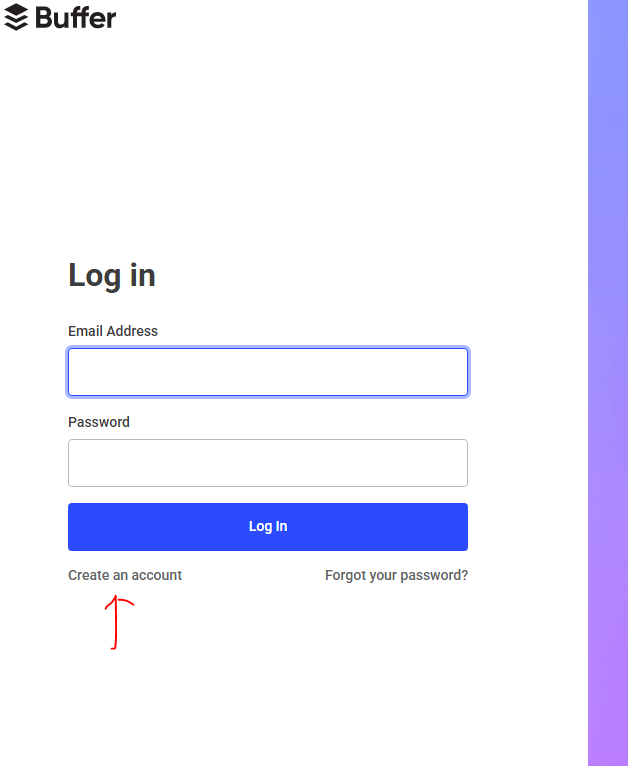
3. Sign Up
Using Email
1. Enter your **email address**.
2. Create a **secure password**.
3. Click **"Create Account"**.
4: Connect a Social Media Channel
You'll be prompted to connect at least one social channel. Options include:
- Instagram Business
- Twitter (X)
- TikTok
- and More
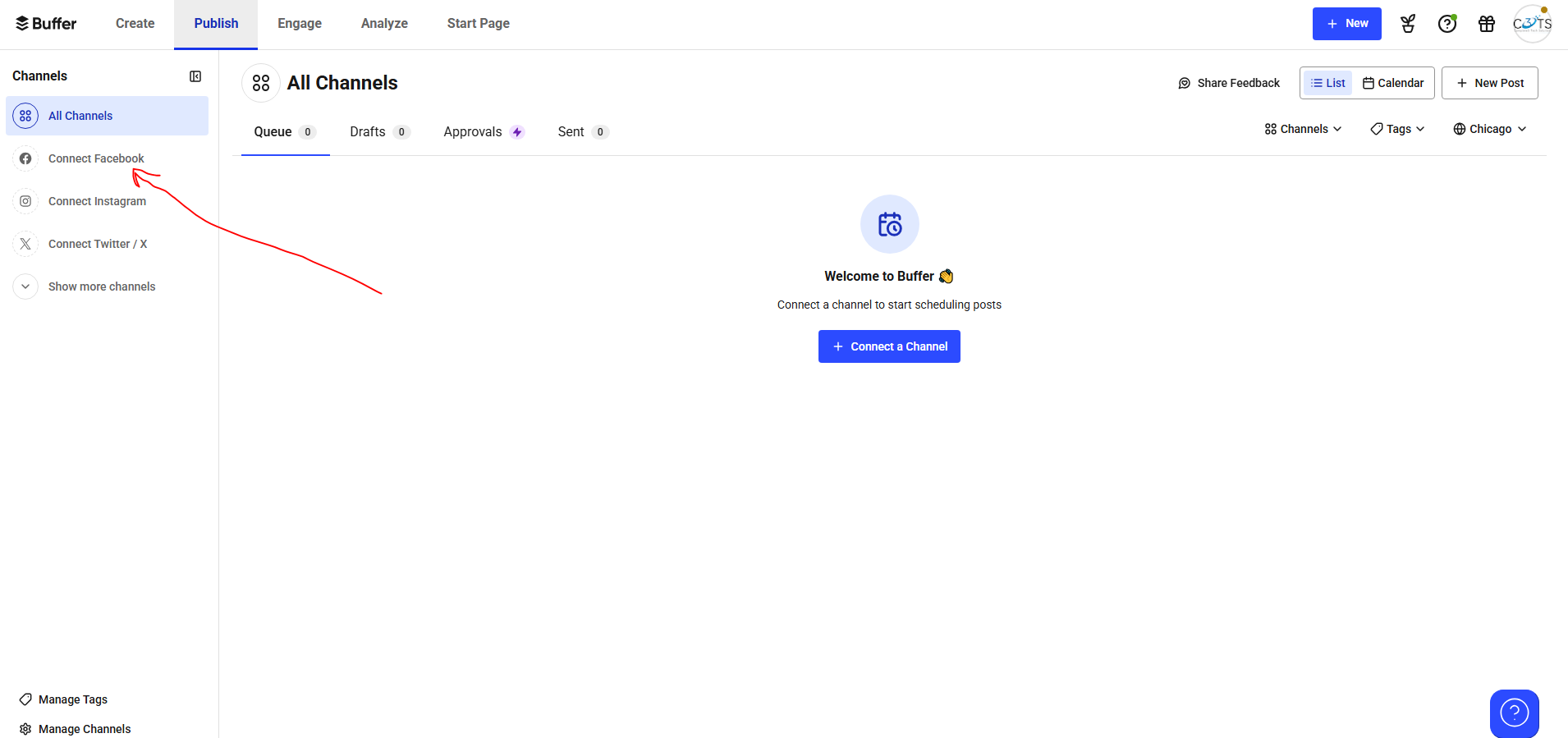
To connect:
1. Click on a platform. eg.(linkedIn)
2. Log in and **authorize Buffer** access.
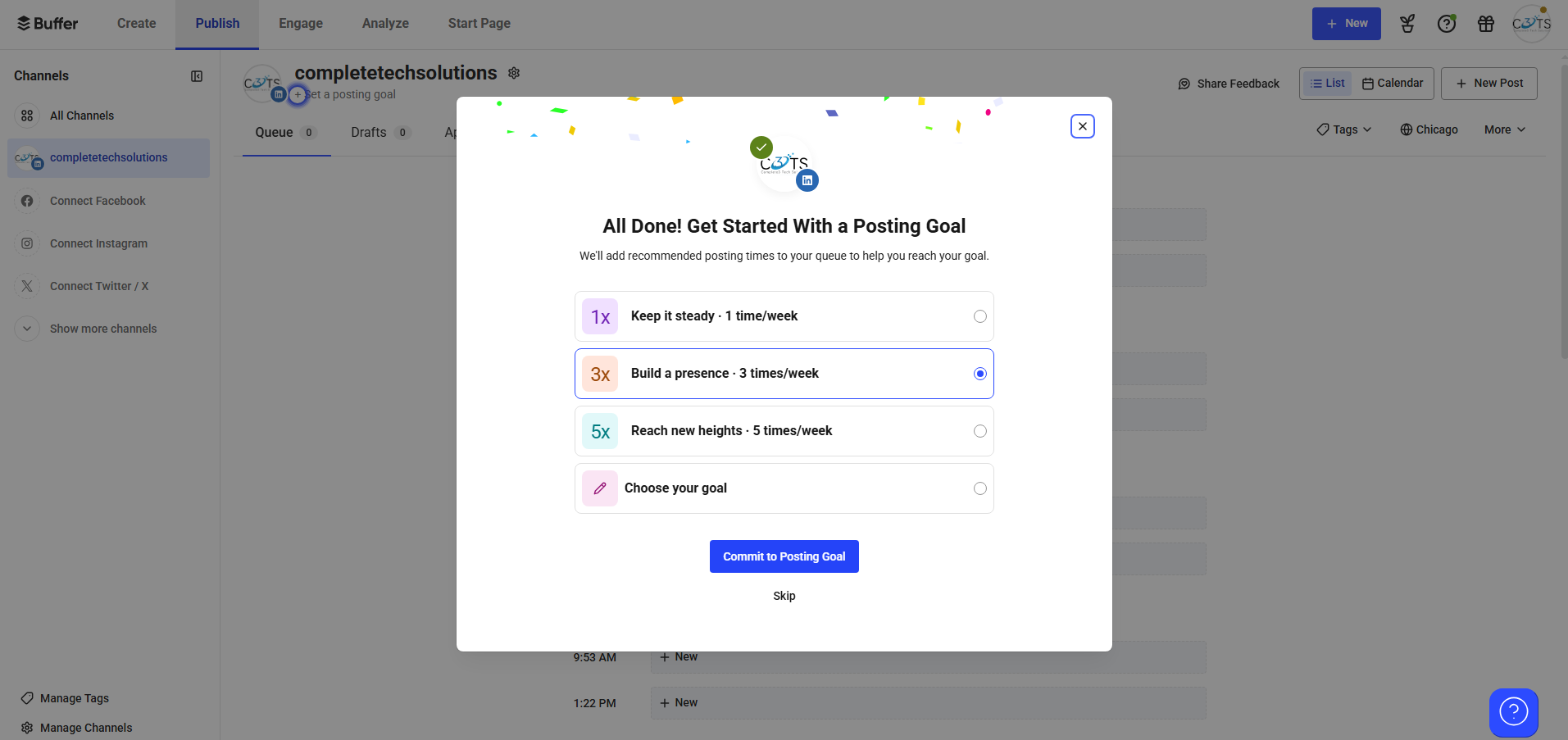
5: Create Your Post
After setup, you'll access the **Buffer dashboard**, where you can:
|
Schedule your first post |
Add more channels | View basic analytics | Set posting times |
| Up to **3 social channels | 10 scheduled posts** per channel |
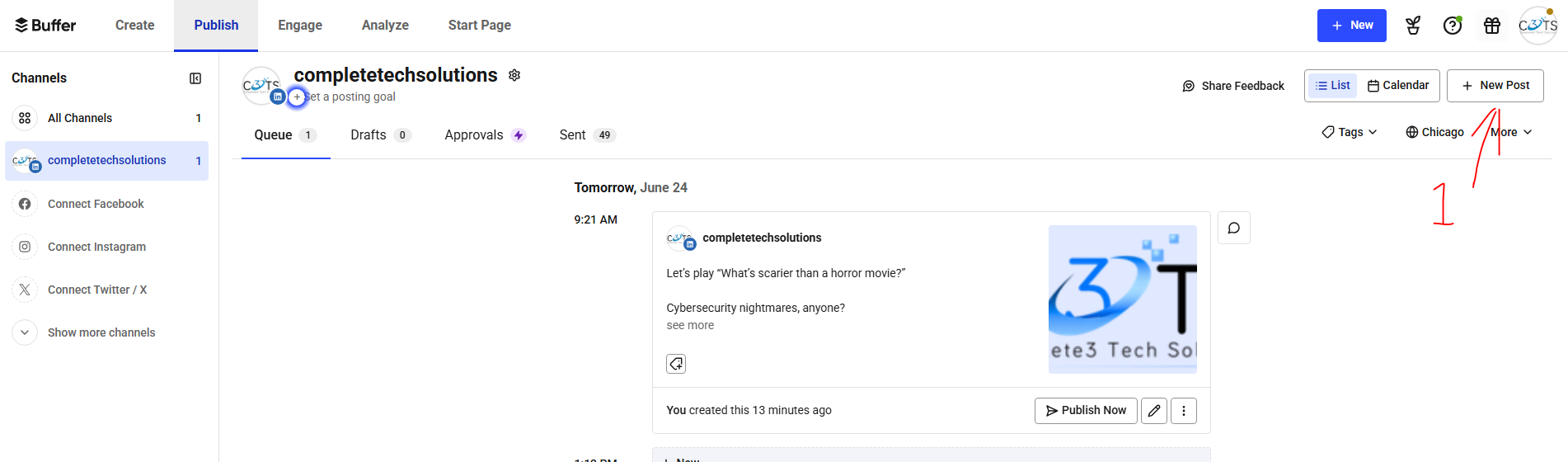
Under "Publish, Click on New Post and follow the Guide
---
No Comments